Nexus Terminal
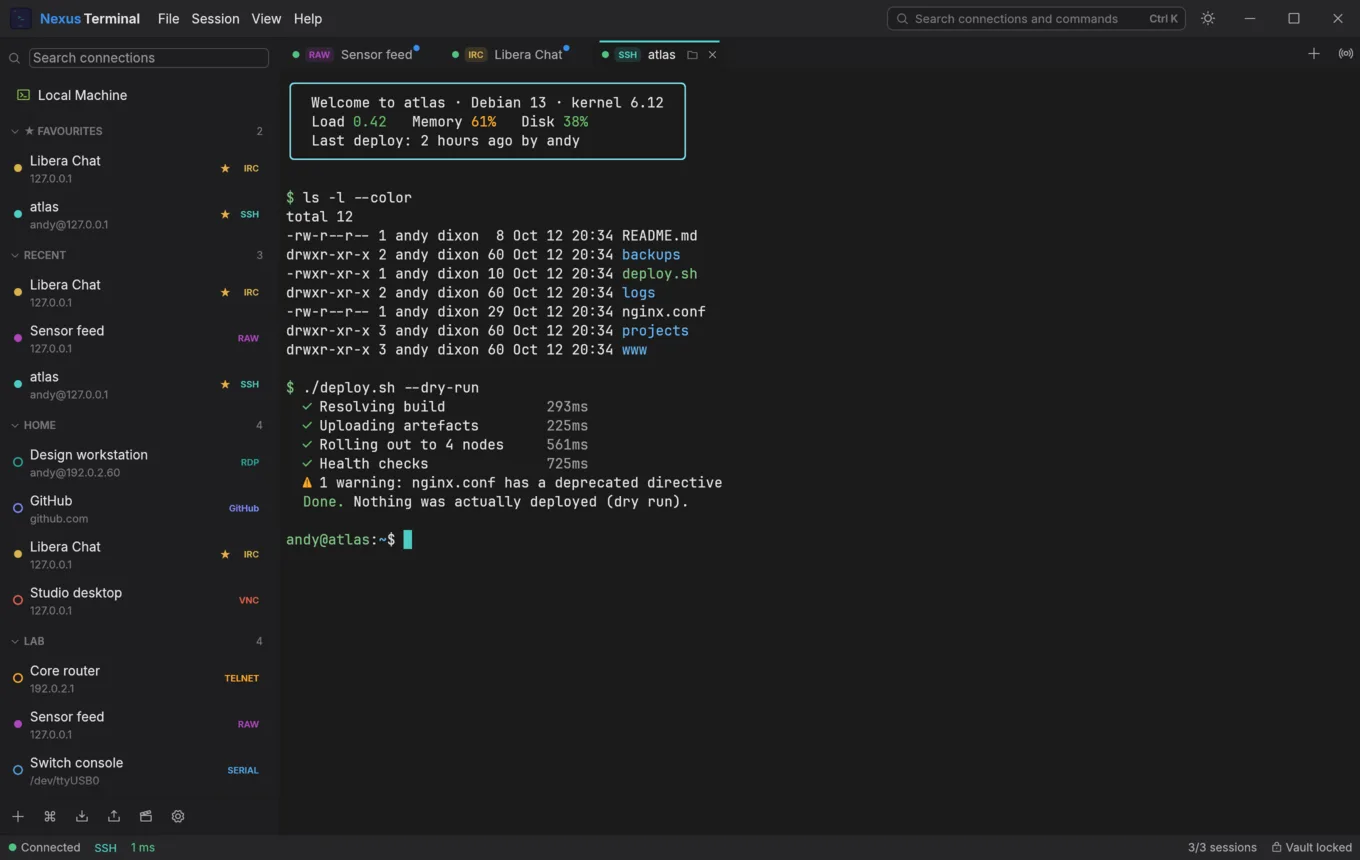
A desktop client for people who spend their day connected to other machines. SSH and SFTP, Telnet, raw TCP, serial consoles, VNC and RDP desktops, IRC, GitHub and local shells, all in one native window, with an encrypted vault for the secrets and none of the friction.
- Rust
- Windows, macOS, Linux
- 9 protocols
- No telemetry
- Open source, AGPL-3.0
The problem
Most connection tools are either a bare SSH wrapper with none of the conveniences of a modern app, or a heavyweight suite that fights you with its own opinions. Managing a dozen sessions, remembering which server sits behind a jump host, keeping keys and passwords somewhere sane, and reaching for a separate SFTP client, RDP client and IRC client just to get through the day: none of that should still be a tax in 2026.
What I built
One native desktop app, rewritten from the ground up in Rust (no webview, no Electron), so it opens instantly and stays responsive under a firehose of terminal output. Tabs, split panes, pinning and broadcast input mean one command can reach every selected session at once. Sessions you had open come back when you relaunch, split panes and all.
- SSH: password, key, agent and keyboard-interactive login, TOTP auto-fill, user and host certificates, jump hosts, SOCKS5/HTTP proxies, port forwards and agent forwarding.
- SFTP: a file browser beside the terminal that opens where your shell is, with drag-and-drop uploads.
- RDP: Windows and xrdp desktops with NLA (NTLM or Kerberos), certificate pinning, clipboard, audio, a shared folder and a printer, through a proxy, an SSH tunnel or an RD Gateway.
- VNC: remote desktops, with a one-tick SSH tunnel.
- Serial: consoles with every line setting, break and DTR/RTS.
- Telnet and raw TCP: full option negotiation, and text, hex or split views when you need to get close to the wire.
- IRC: SASL login, real message times, a room browser and an SSH tunnel.
- GitHub: every repository you can see, grouped by organisation and freshest first.
- Local shells: your own machine, in the same tabs and panes.
The terminal itself has the modern niceties: shell integration (jump between prompts, copy the last command's output, see at a glance which commands failed), clickable hyperlinks that show where they really go, inline images, regex search, snippets, triggers and asciicast session recording.
Security, done properly
- Secrets stay secret: passwords live in the OS keychain, or an encrypted vault (AES-256-GCM, Argon2id) when there isn't one. Each one can be saved, remembered for the session, or asked for every time.
- Know who you're talking to: SSH host keys and RDP certificates are pinned and checked before any credential is sent, with SSH certificate authorities and
known_hostsimport and export. - Profile sync without trusting the cloud: keep profiles in step across machines through any shared folder, as one encrypted file. Passwords never leave each machine's keychain.
- Audited: the code has been through repeated adversarial security reviews, and the reports live in the repository alongside the fixes.
What it demonstrates
Sustained product engineering rather than a single clever feature: nine protocols that each have to get dozens of small interactions right at once (reconnects, host-key prompts, clipboard rules, how often the vault asks for a password), while a hostile server on the other end tries its best to break them.
A quick tour
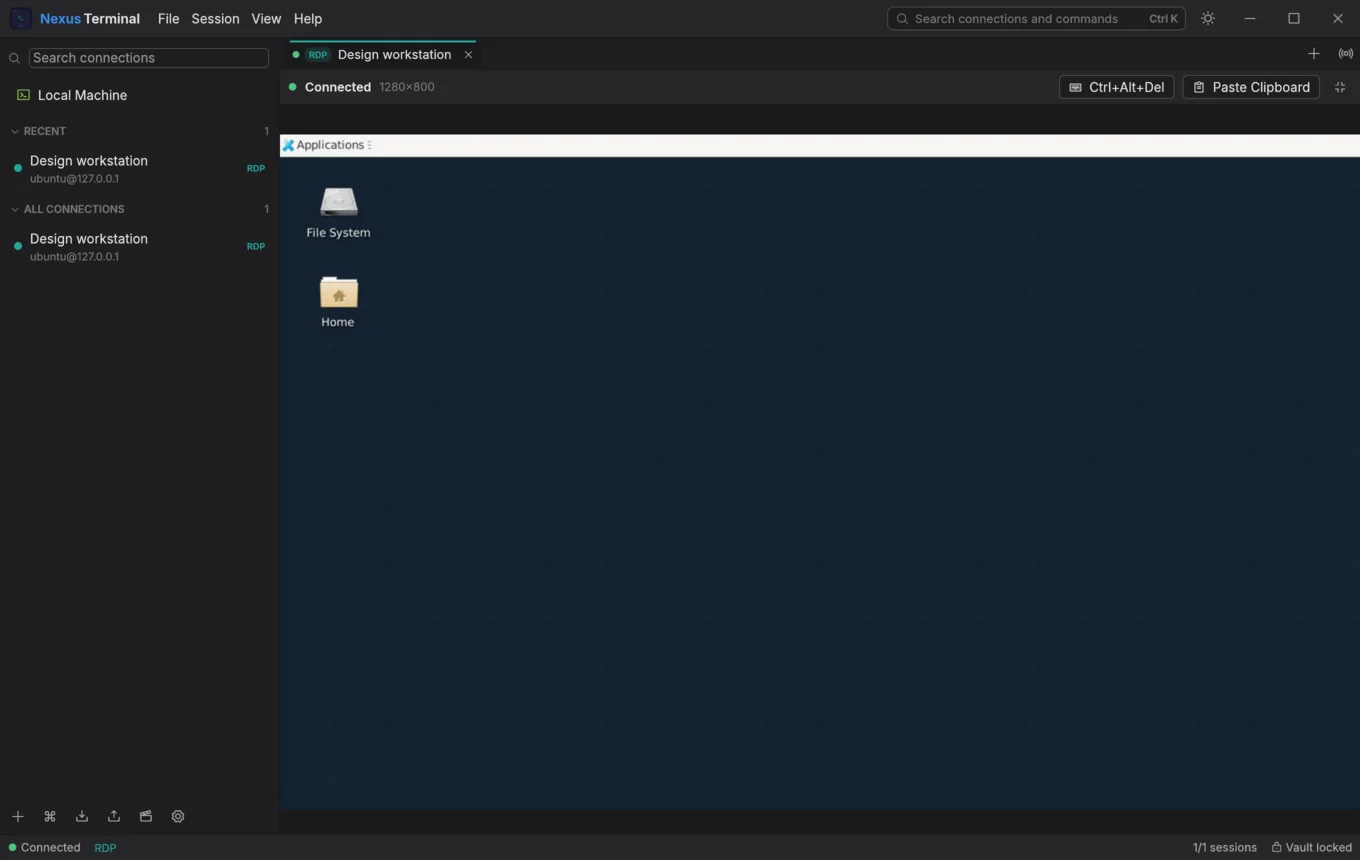
RDP desktops, with clipboard, audio and a shared folder. 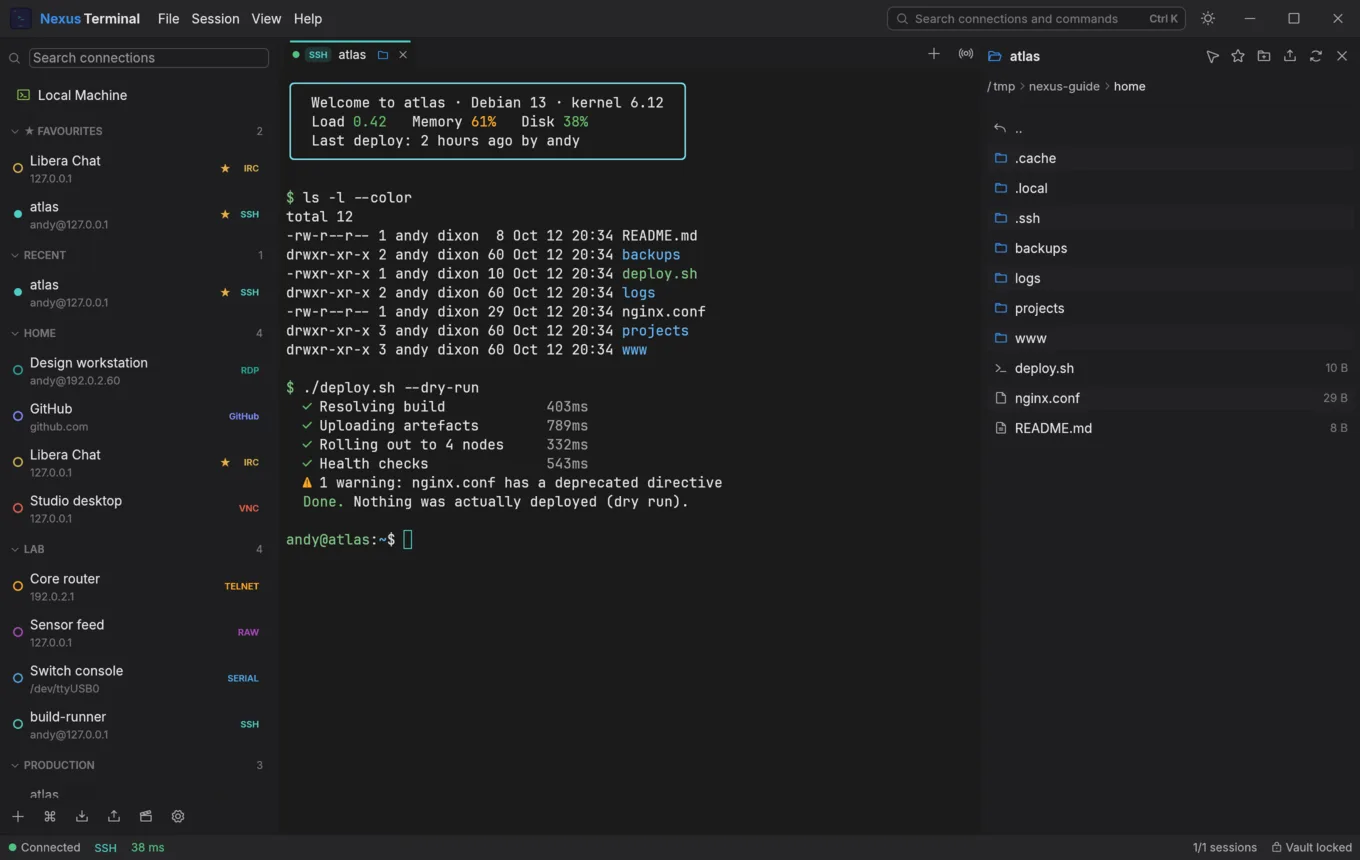
SFTP beside the terminal, one click away. 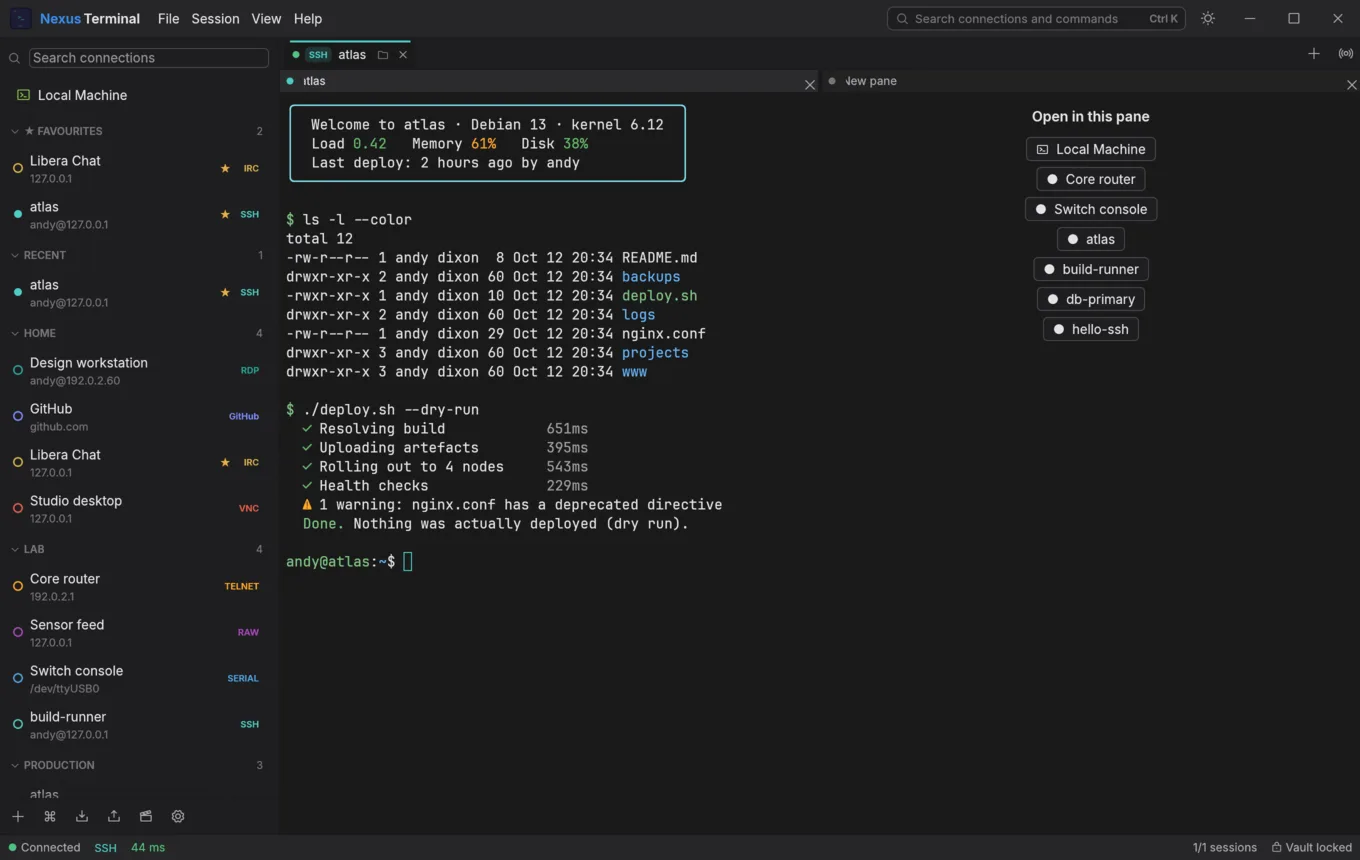
Split panes, restored at launch. 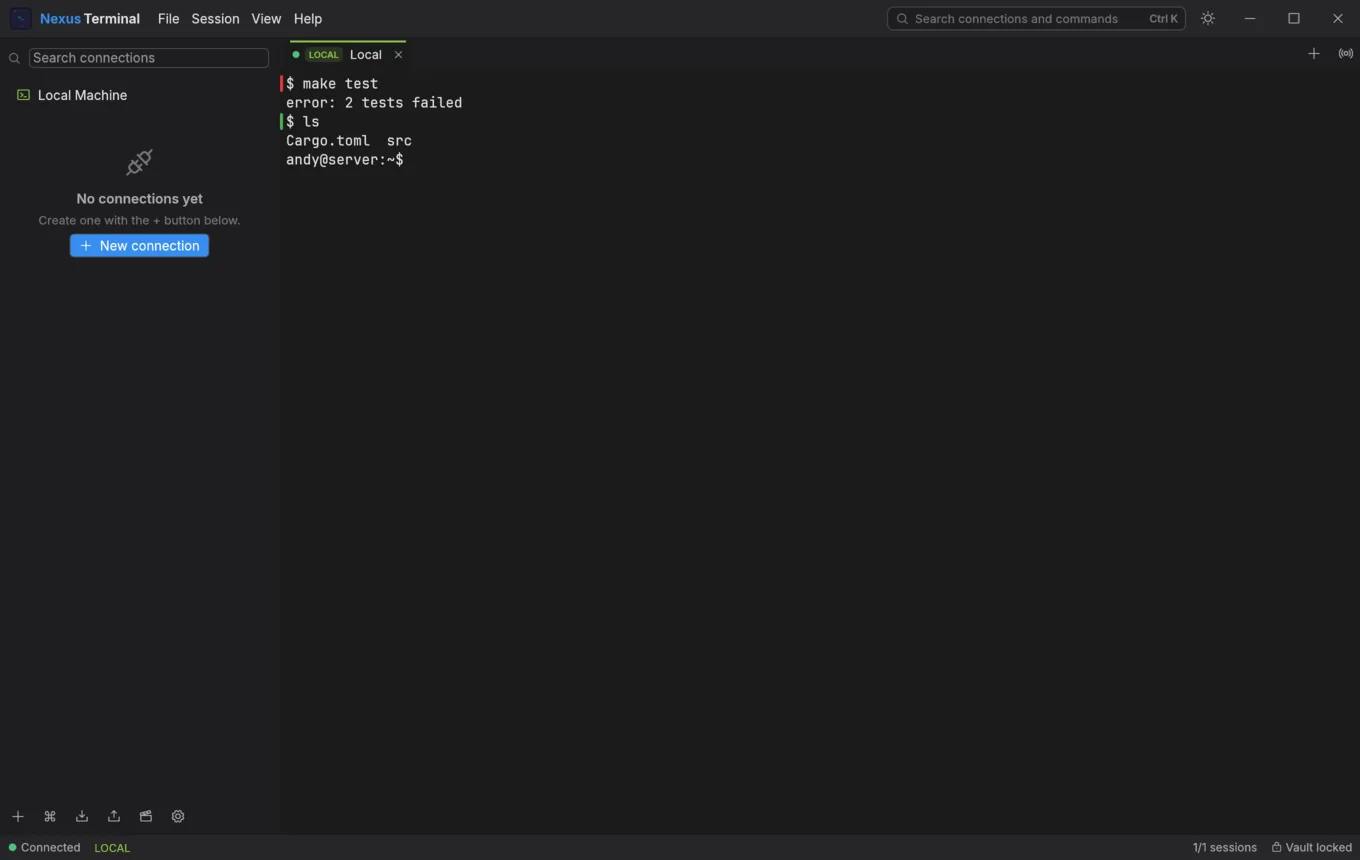
Shell integration: red for a failed command, green for success. 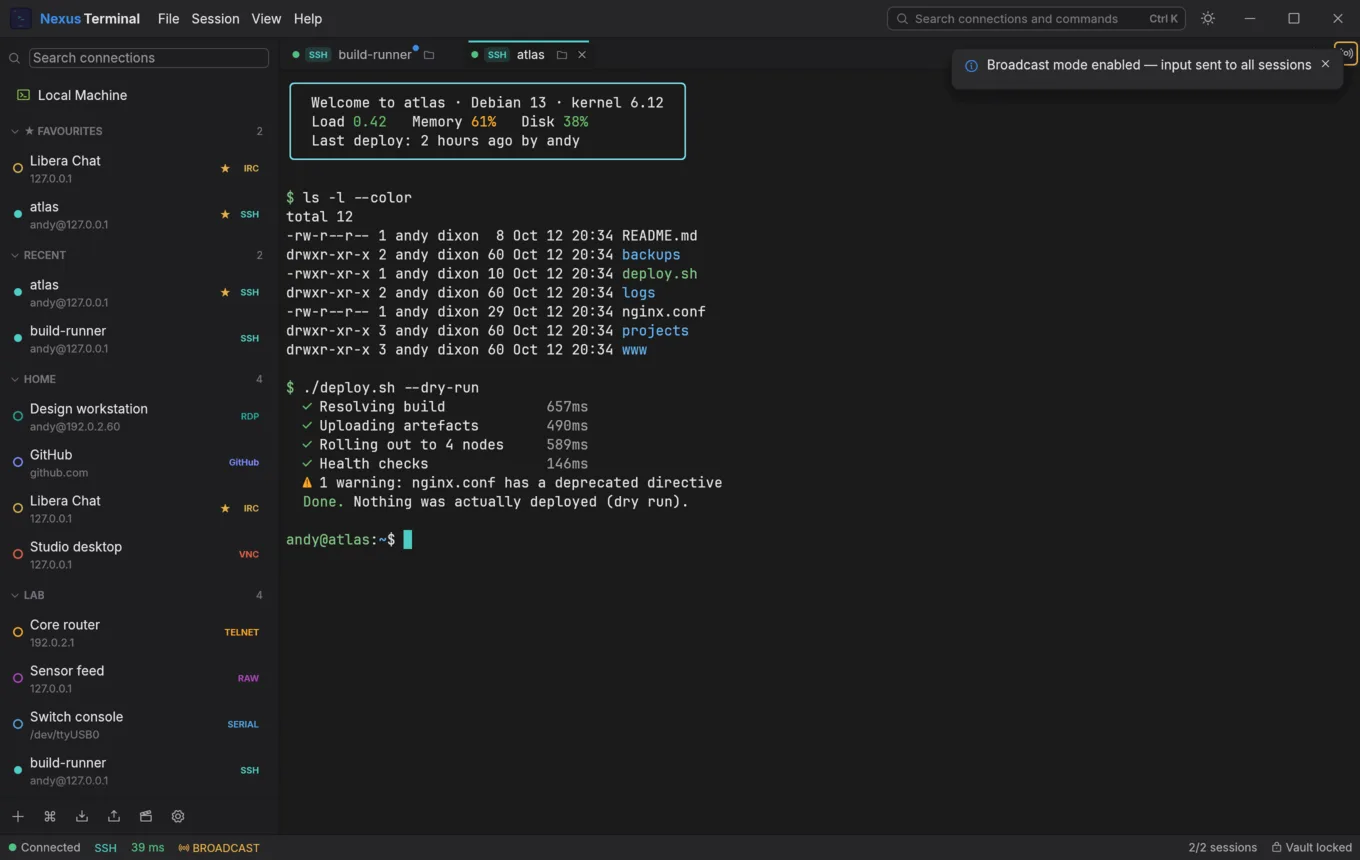
Broadcast: type once, reach every selected session. 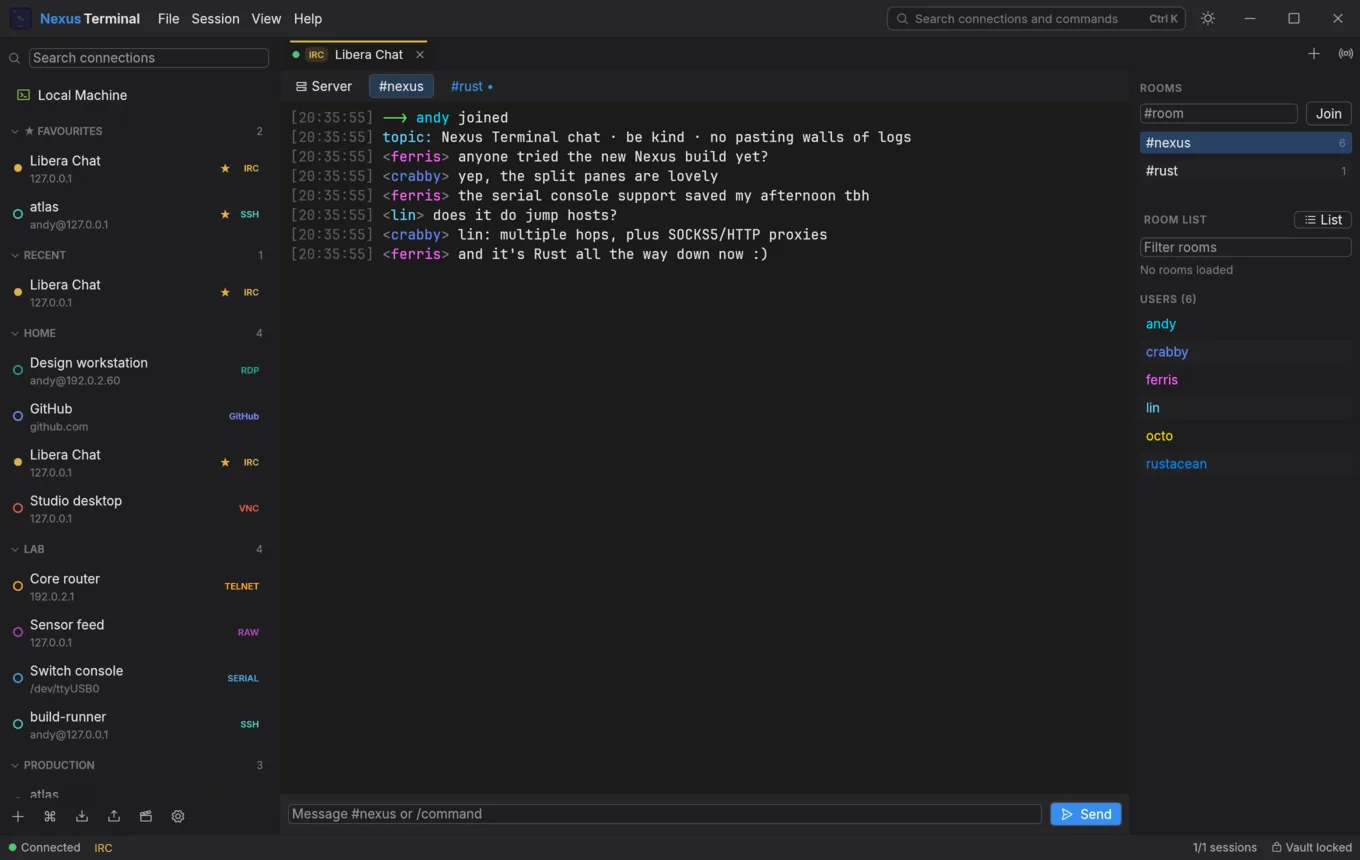
IRC, in the same window as your servers. 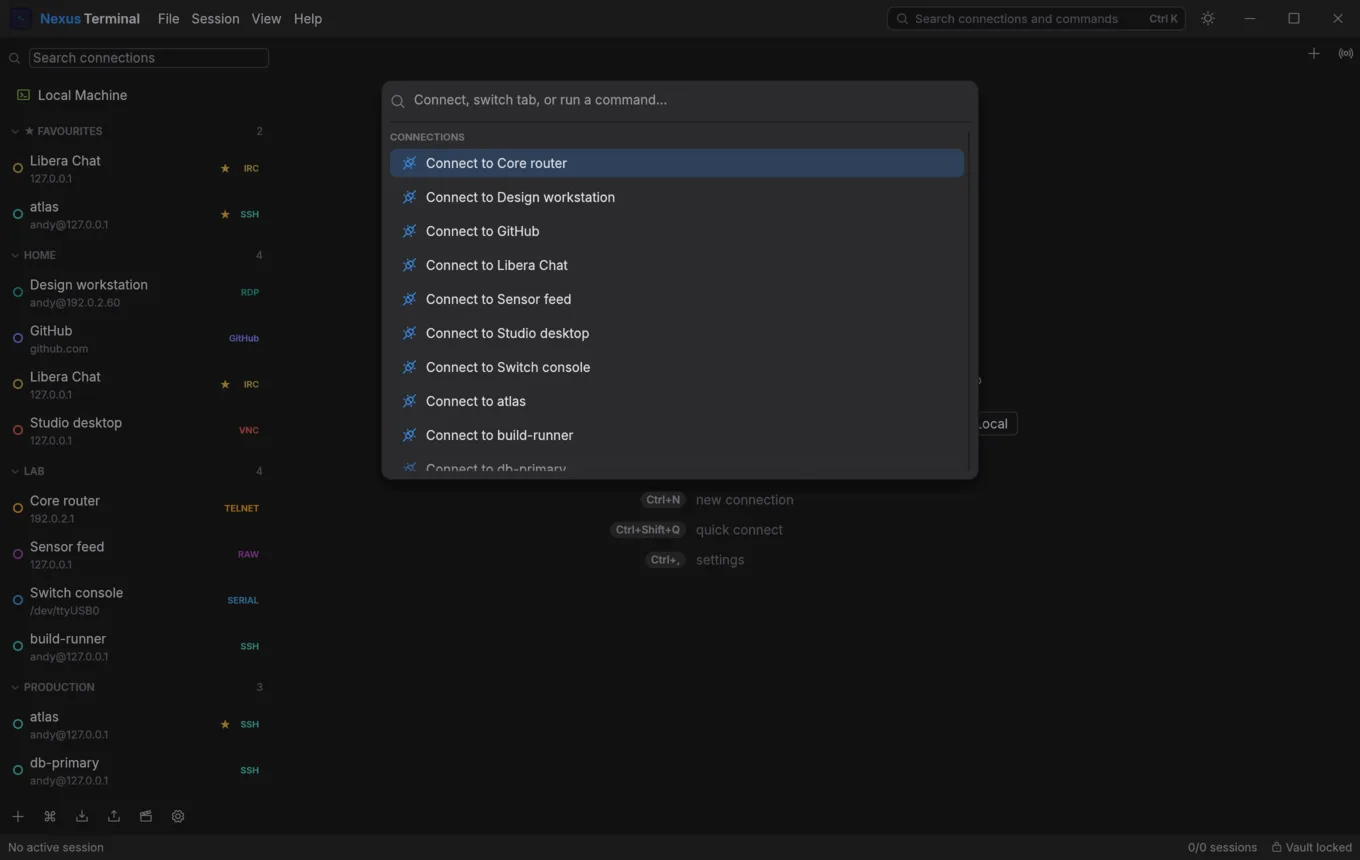
A command palette for everything. 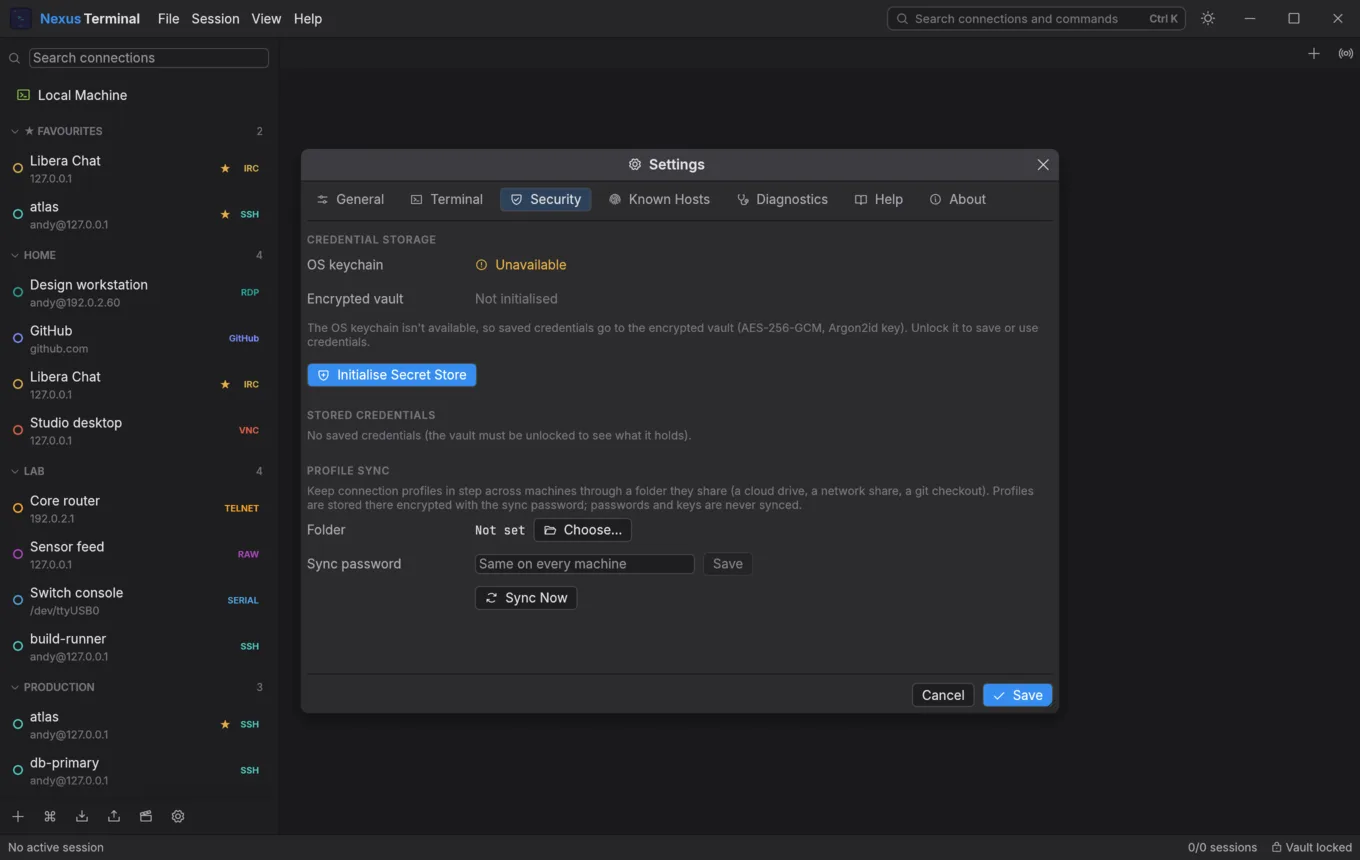
Keychain, vault, stored credentials and profile sync.
Everything is explained, with pictures, in the illustrated user guide (PDF).
Open source
Nexus Terminal is free software under the GNU Affero General Public License v3. Read the code, build it yourself, and if it earns a place in your day, star it, file issues or send a pull request.
git clone https://github.com/andydixon/nexus.git
cd nexus/rust && cargo build --release
./target/release/nexus-terminal
On Linux you'll need the usual windowing and audio headers first; the README lists them.
Install
macOS, with Homebrew:
brew install --cask andydixon/tap/nexusterminalLinux: Nexus Terminal is the nexusterminal package in my signed apt, dnf and pacman repository, for x86-64 and ARM64, and updates with the rest of your system. On Debian or Ubuntu (22.04 and later):
sudo install -d -m 0755 /etc/apt/keyrings
curl -fsSL https://repo.dixon.cx/dixon.gpg | sudo tee /etc/apt/keyrings/dixon.gpg >/dev/null
echo "deb [signed-by=/etc/apt/keyrings/dixon.gpg] https://repo.dixon.cx/apt stable main" |
    sudo tee /etc/apt/sources.list.d/dixon.list
sudo apt update && sudo apt install nexusterminal
Fedora, openSUSE and Arch instructions are on the repository page. Windows, or anywhere else: grab a zip below.
Downloads
Every release is also on GitHub Releases with a SHA256SUMS file. Builds aren't code-signed yet, so macOS and Windows will ask you to confirm the first launch.