5.2 VPNs in reality
The short version
- A VPN changes who sees your traffic, not whether anyone does. Visibility moves from your local network to the VPN provider.
- It hides your browsing from local networks and your IP from sites. It does not stop cookies, fingerprints or logins identifying you.
- "No-logs" is a vague promise. Look for detailed disclosures, independent audits and where the company really operates.
- A VPN can make you stand out: banks, streaming services, workplaces and some countries treat it as a signal.
Capabilities and limits
A virtual private network (VPN) changes who can see your traffic on the path between your device and the wider internet. It does not make you invisible, and it does not replace good judgement.
- Used well: it stops your broadband provider, mobile network or public Wi-Fi operator from seeing which websites you visit.
- Used poorly: it just moves that visibility to a different company and adds new failure points.
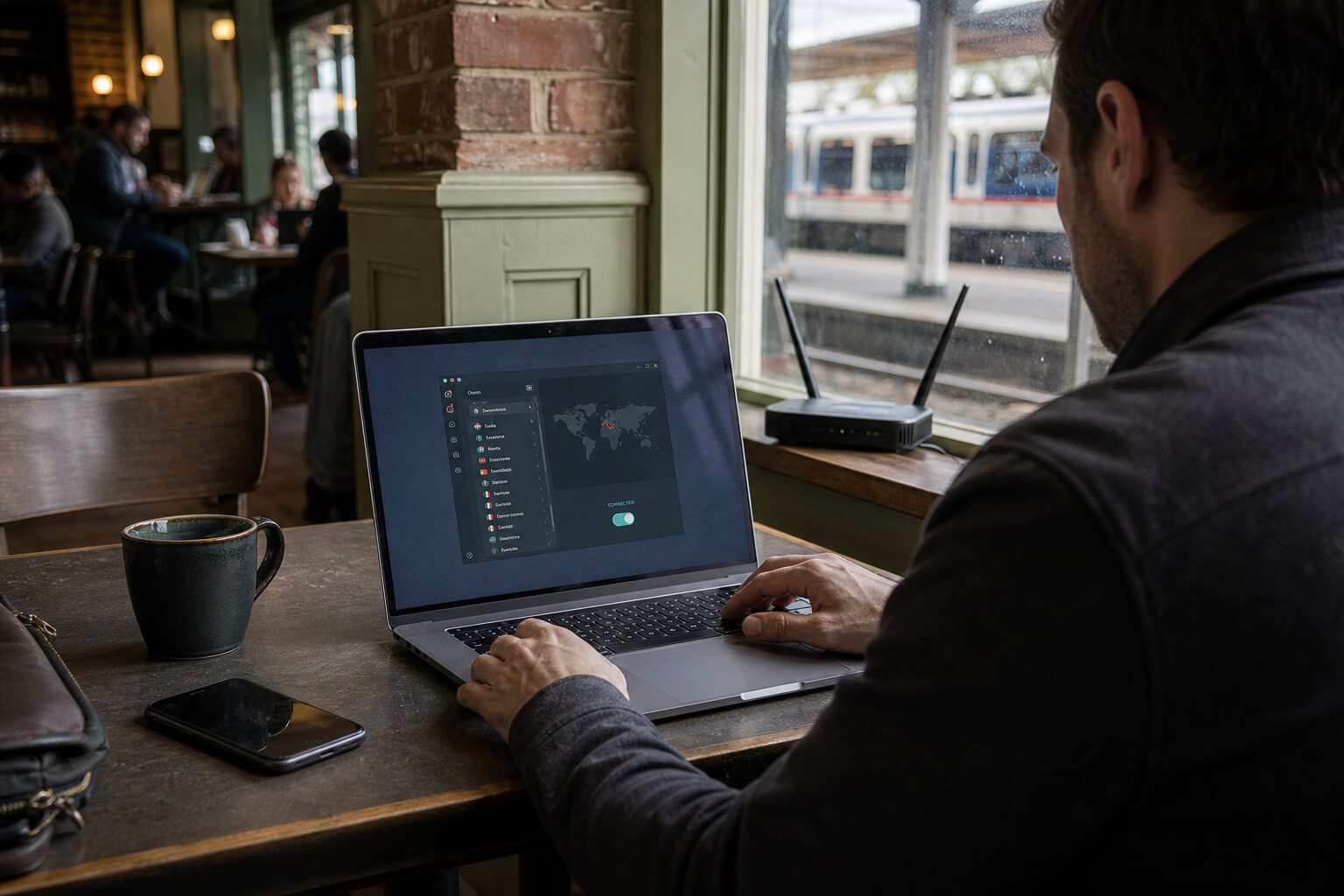
How it works: your device builds an encrypted tunnel to a VPN server, and your traffic goes through that server to the rest of the internet.
- Anyone watching your local network can see you are connected to a VPN server, but not the websites you access or the content of those connections.
- The sites you visit see the VPN server's IP address rather than your home or mobile one.
What VPNs hide
Mainly, a VPN hides your browsing from the network you are on right now.
- On café Wi-Fi, the operator cannot see which news sites you read or which banking pages you open.
- At home, your internet provider cannot see you checking a medical portal late at night.
Both can still see that you are connected to a VPN service, and for how long, but not where you go inside the tunnel.
It also hides your original IP address from the sites you visit. A shop's website sees the VPN server's address, which might be in Manchester, Amsterdam or Dublin, rather than where you really are. That can:
- reduce casual location profiling;
- make it harder for a site to join your browsing up with other information tied to your home IP.
It does not stop the site building a profile from cookies, browser fingerprints or account log-ins.
Everyday uses:
- travelling on hotel Wi-Fi;
- avoiding location-based price variation on flights and insurance;
- reading a local newspaper without revealing your home address to advertisers.
Ordinary reasons, not a guarantee of privacy, but sensible uses of the technology.
What VPNs expose
A VPN concentrates trust. Instead of your local network seeing your browsing, the VPN provider can. Potentially it sees:
- the destinations you connect to;
- the times you connect;
- how much data you transfer.
If the provider keeps logs, courts can request or compel those records. If its security is weak, they can be stolen. The same goes for any company you route traffic through; a VPN just makes the trade-off explicit.
A VPN does not hide that you are using one. Services can spot VPN use through IP reputation, location mismatch or traffic patterns:
- some streaming sites block known VPN servers;
- some banks treat VPN connections as a fraud signal;
- your account may be flagged if a login appears to come from a country you are not normally in.
That is not a security failure; it is a normal side effect of changing your apparent location. Pick a server close to your real region, or keep a stable exit location rather than hopping between countries.
It does not protect you from tracking inside the browser or apps. Log in to social media and the platform still knows it is you; cookies and tracking pixels still work.
Watch for leaks around the tunnel, too:
- some mobile apps ignore system VPN settings by using their own network stacks;
- enterprise or school devices may be set to route some traffic outside the VPN.
On many platforms you can check by looking for per-app VPN settings, or by using a VPN that enforces "always-on" mode.
Logging and jurisdiction
Providers love to advertise "no-logs" policies, but the phrase is imprecise. There are different kinds of log:
- connection logs: times, IP addresses and the server used;
- usage logs: destinations and traffic content;
- diagnostic logs: errors and performance.
Many providers keep some connection data for anti-abuse or capacity planning; some keep more. The detail matters, because even a short-lived connection log can identify you when combined with timing information from another source.
Jurisdiction shapes what a provider can be forced to keep or hand over. In the UK, companies can be required to assist with lawful access requests under specific conditions. The exact obligations depend on company structure and the services provided, and the law changes over time.
In practice, where the staff and infrastructure are matters as much as where the company is incorporated. A provider with servers in London and a UK office is more exposed to UK legal compulsion than one with no UK presence. That does not automatically make it safe or unsafe; it just shapes the risks.
For ordinary use:
- pick a provider with clear, detailed disclosures about what it logs and why;
- prefer services that have had independent audits or public tests of their claims;
- look at where the company actually operates, not where it markets itself, because marketing language is not a legal shield.
When VPN use increases suspicion
Sometimes a VPN makes you stand out rather than blend in.
- Workplace networks: monitoring tools may flag a VPN connection, especially where all traffic is expected to stay on the organisation's systems.
- Some countries: routine VPN use is uncommon or restricted, so a connection can draw attention at network level even if the content is hidden.
Not a reason to avoid VPNs altogether; just a reminder that visibility and risk are shaped by local norms and policy.
A VPN can add friction too:
- banking apps may trigger extra verification;
- media services may block access or show reduced catalogues;
- some online forums treat VPNs as a sign of evasion and apply rate limits or CAPTCHA challenges.
For things that benefit from stability and trust, such as setting up a new financial account, it may be worth disconnecting the VPN temporarily to avoid needless suspicion. That is a tactical choice, not a moral one.
Myth: a VPN automatically gives you anonymity. Reality: log in to your usual accounts, reuse the same browser profile and keep the same device identifiers, and the VPN only changes the network path.
The fix is straightforward: separate privacy-sensitive tasks from those tied to your identity, and do not mix them in the same browsing session. It is a behavioural habit rather than a technical setting, and often more effective than chasing "perfect" privacy tools.
Do this now
- If you use a VPN, read its logging policy and check which of the three log types it admits to keeping, and whether it has been independently audited.
- Turn on "always-on" mode (and the kill switch, if offered) in your VPN settings, and check for any per-app exclusions.
- Set a VPN server in your own region by default, so banks and accounts do not flag you for hopping countries.